Mazegen: image-to-maze, printable exports, and playable results
Mazegen is a browser-based maze generator for fast image-based mazes, cleaner print-ready layouts, and hands-on puzzle play. You can start in Easy Mode, go deeper with the full modals, then export, solve, or play the result without leaving the browser.
What you can do with Mazegen
Start quickly
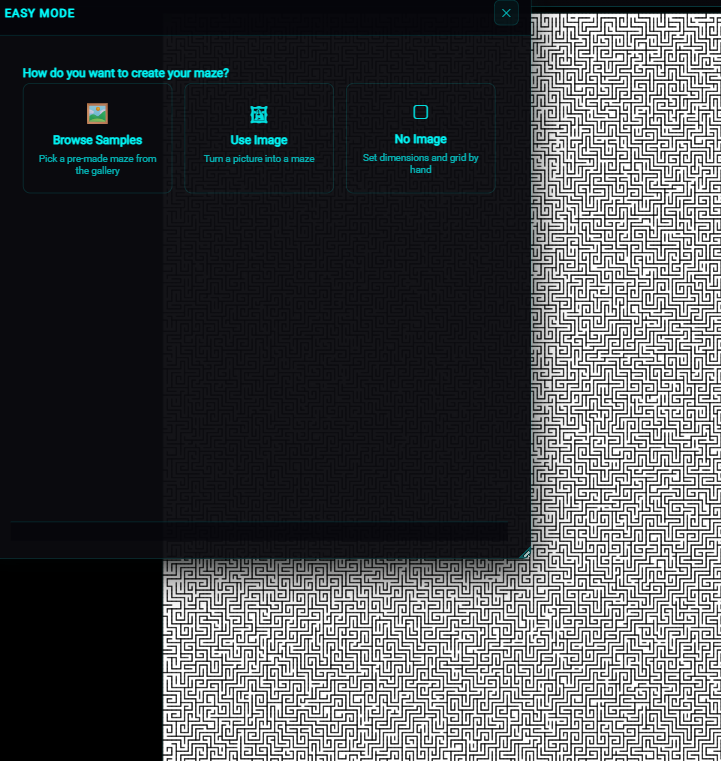
Easy Mode gives you a short guided path for sample-based mazes, uploaded-image mazes, or no-image grids without opening a stack of separate modals.
Use images as structure
Upload an image, pull from the built-in gallery, or remove the background first, then tune how strongly the image influences the maze pattern.
Style for print or screen
Adjust wall thickness, opacity, colors, background modes, and presets so the maze reads cleanly on paper or keeps more of the original image on screen.
Play and verify
Inspect the result in the workspace, zoom to fit, enter play mode, flash the endpoints, and verify solvability before exporting.
Easy Mode gets you to a result fast
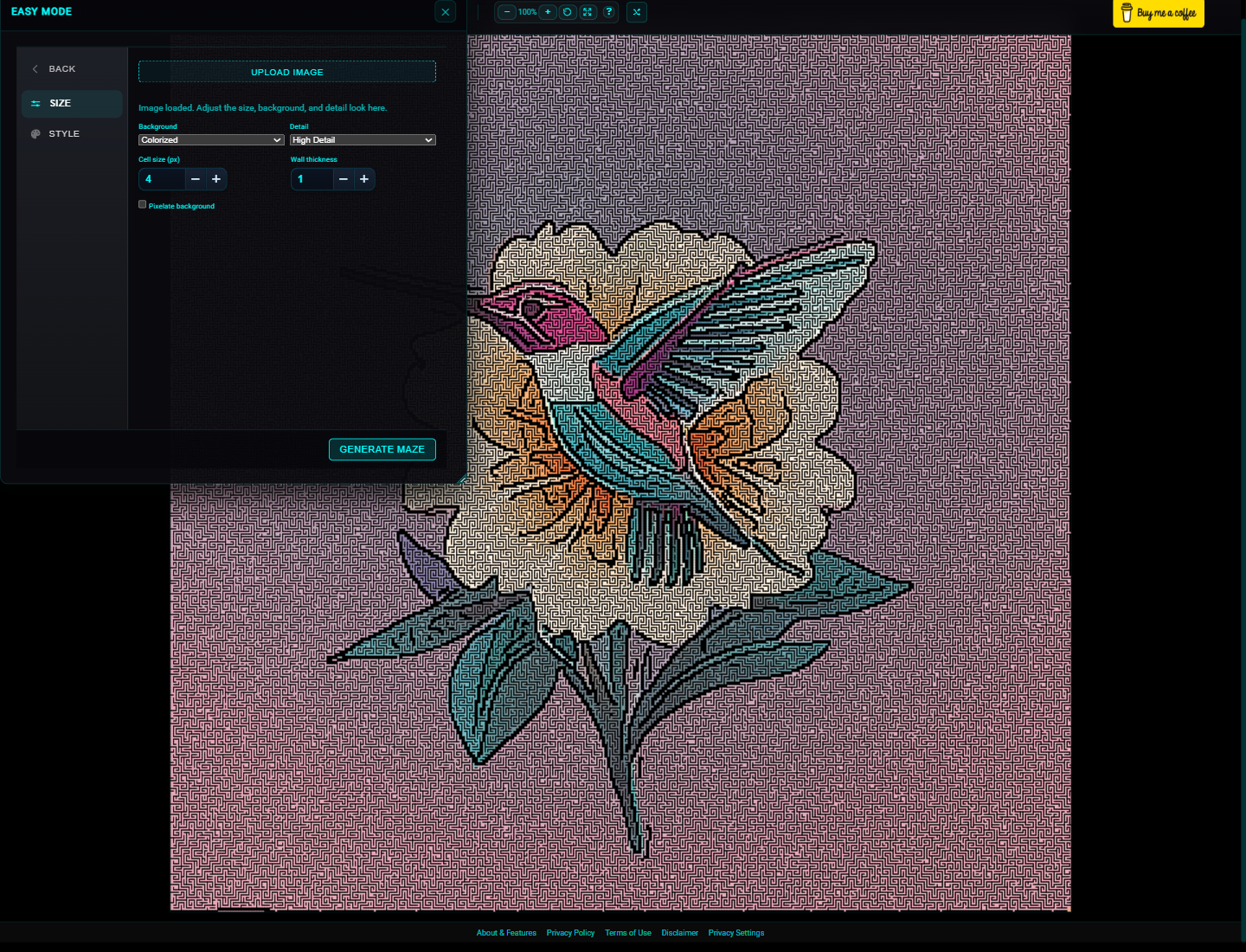
Easy Mode is the fastest route for most users because it keeps the high-value controls on one screen: sample rail or upload, background mode, detail, cell size, wall thickness, and optional pixelated paths when colorized.
Choose how to start
Begin from a built-in sample, your own image, or a plain grid depending on whether you want inspiration, a photo-forward maze, or a classic blank setup.
Shape the look
Switch between solid and colorized backgrounds, raise detail, and adjust cell size and wall thickness to control maze readability versus image fidelity.
Generate and inspect
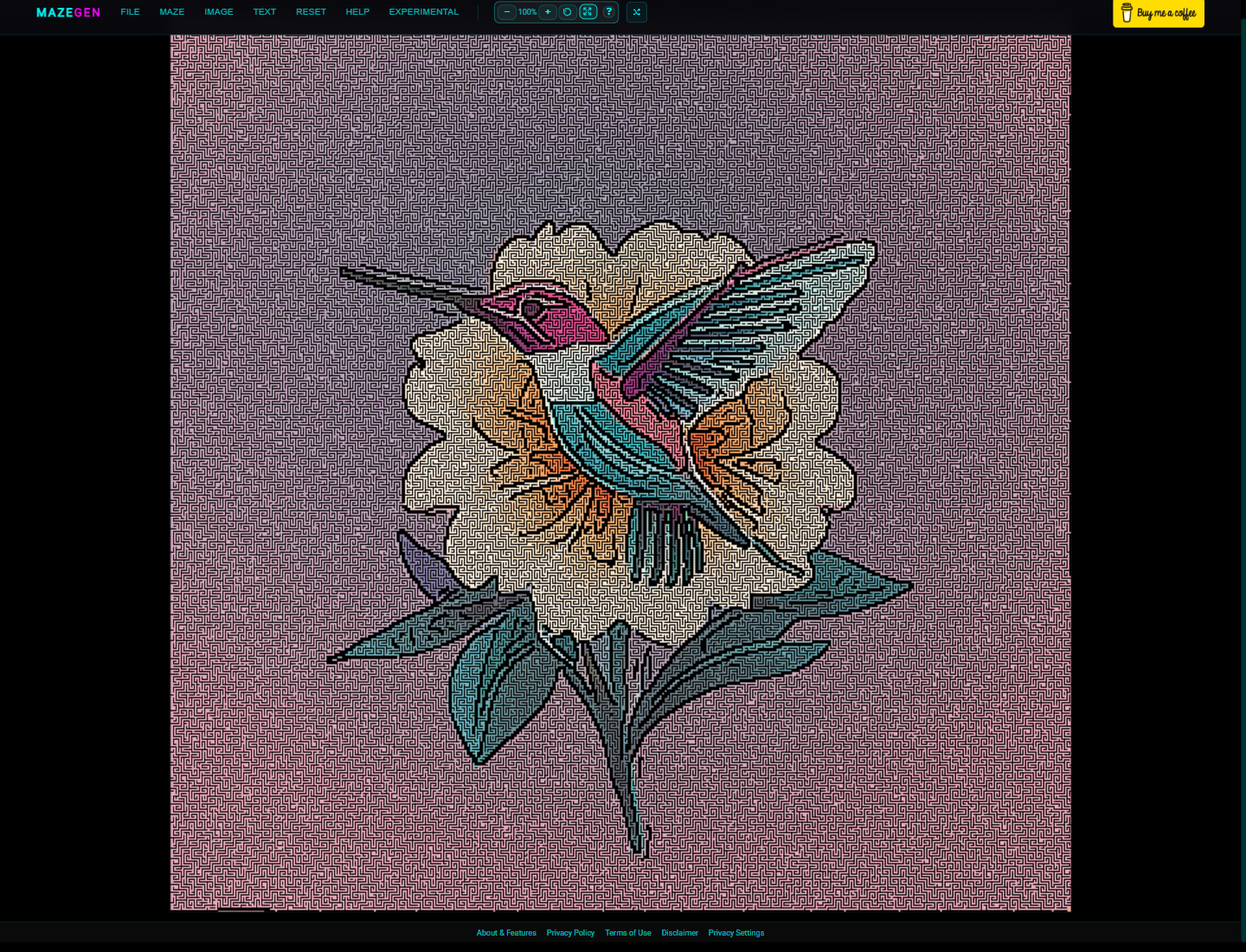
Render the maze into the workspace, use the zoom controls to inspect it, then export or keep refining it in the full settings menus.
Go deeper with the full image and maze controls
If Easy Mode gets you close but not all the way there, the full modal system exposes the detailed controls for pattern generation, layout, and styling.
- Maze Size & Shape lets you define the grid by cell size or rows and columns, adjust wall thickness, and apply shape cutouts or mask-driven layouts.
- Image tools cover upload, gallery selection, filter tuning, placement, and background removal so you can decide whether the maze should follow bold outlines or softer image regions.
- Color & style handles wall color, opacity, path/background color, outside-mask color, and mirrored or custom-image backgrounds.
- Text layers let you build type into the design, including styled overlays and Google Fonts for text-driven maze compositions.
- Presets and saved settings make it easier to reuse maze sizes, styles, and exported JSON configurations when you want repeatable outputs.
For a step-by-step image workflow, see Create colorized mazes from an image or jump straight to the Help image section.
Designed for output, play, and iteration
Workspace inspection
Use zoom in, zoom out, reset, and zoom to fit to inspect the maze before you export or start playing.
Printable exports
Export PNGs for classrooms, activity sheets, puzzle books, or one-off gifts. High-contrast wall and background choices help with print clarity.
Play mode and solving
Play through the maze with keyboard or touch-friendly controls, flash the start and finish, or verify solvability before sharing.
Experimental tools
Draw mode and multiplayer rooms push beyond a static generator, letting you edit walls directly or connect with others in peer-to-peer sessions.
Good fit for
- Teachers and parents who want printable mazes with adjustable difficulty and clearer high-contrast output.
- Designers and makers who want image-based mazes, themed backgrounds, and more control over final presentation.
- Puzzle hobbyists who want to generate, test, solve, and play mazes without switching tools.
- Experimenters who want to explore text-driven mazes, draw-mode edits, and lightweight peer-to-peer multiplayer features.
Frequently asked questions
How do I make a maze from an image?
Open Maze → Easy Mode..., choose Upload Image, load a file, then tune the background mode, detail, cell size, and wall thickness before generating. For deeper tuning, use the full Image and Maze modals.
Can I print what I create?
Yes. Export the current maze as a PNG from the File menu. For cleaner print results, keep contrast high and inspect the maze in the workspace before saving.
Can I play through the maze myself?
Yes. After generating, enter play mode to move through the maze with desktop or mobile-friendly controls.
What if I want more control than Easy Mode gives me?
Use the full menus for filters, placement, background removal, advanced shape cutouts, color presets, text layers, and endpoint placement.
Is Mazegen free?
Yes. Mazegen runs in the browser with no account required.